Stage-Objects
Use a Stage-Object to cut between cameras — AEC4D-PRO turns it into properly timed cameras in After Effects.
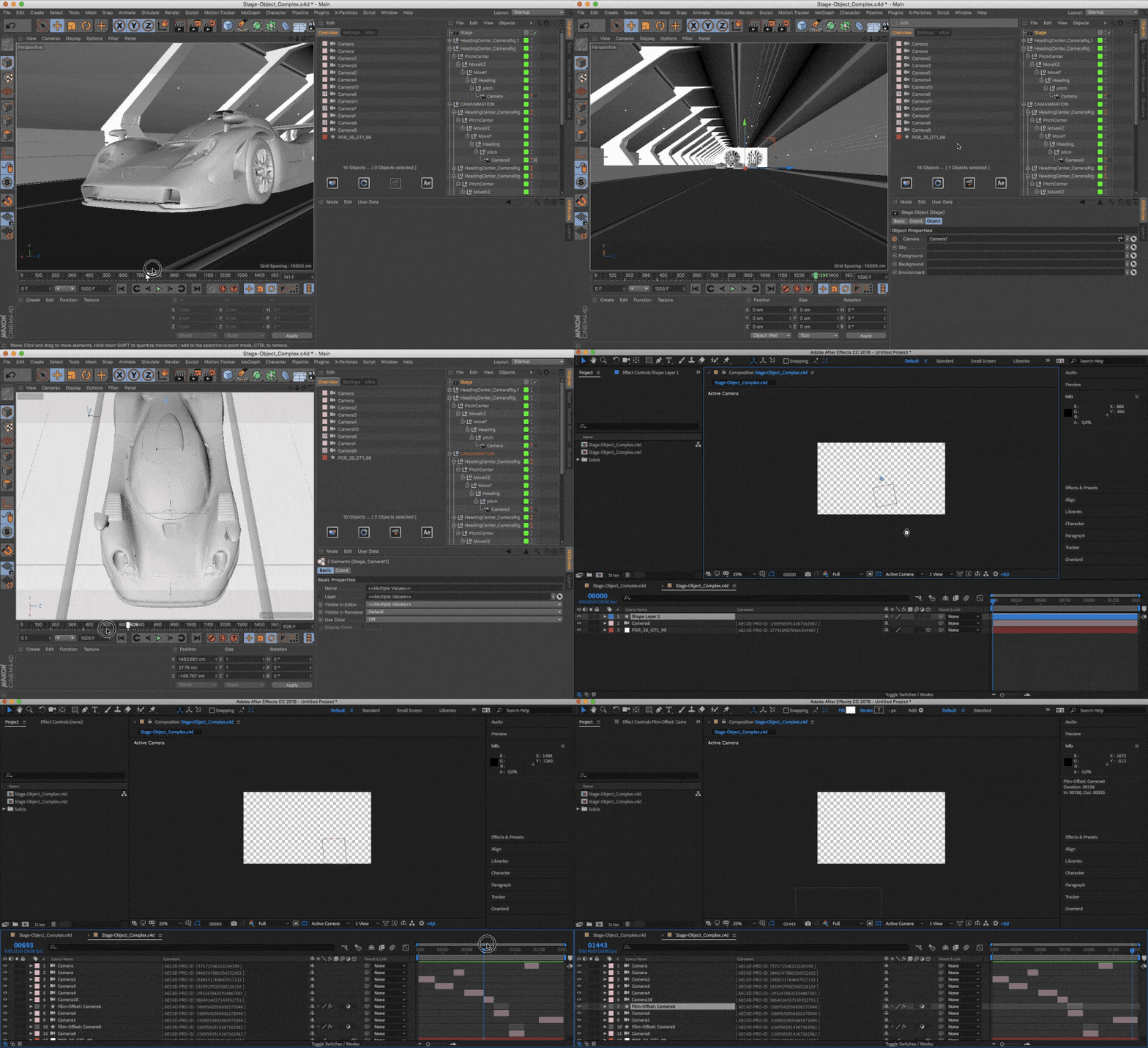
QUICKTIP: Select only the Stage-Object when Overwriting to change the In- and Out-Points of all Cameras.
Disable unused Cameras (Stage)
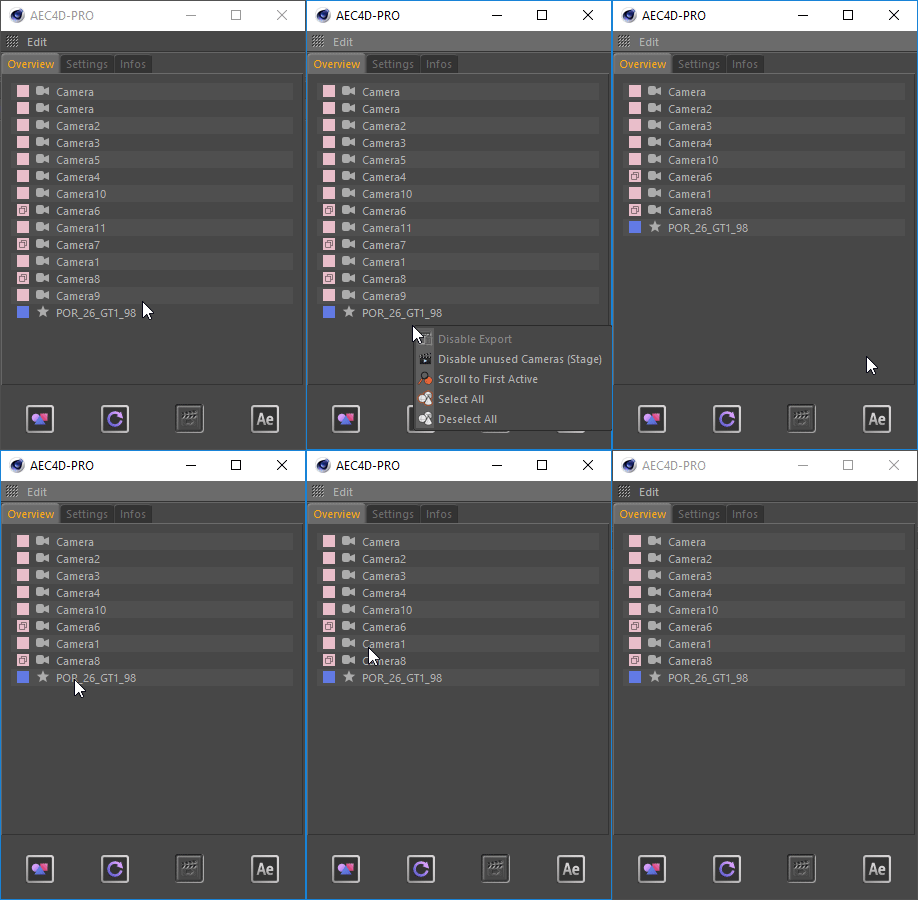
You’ll find “Disable unused Cameras (Stage)” in the right-click menu of the Overview. It disables all Cameras that are not used by the Stage-Object — very helpful in rather complex scenes.